Blog and guides
Website guides for your business, step-by-step PDF how-tos, live streaming tips and the stories behind our games.

8 Things Every Café and Restaurant Website Needs
Menu, opening hours, location and contact: the sections a café or restaurant website should have, and why each one matters.
How Should You Back Up Your Files? The 3-2-1 Backup Rule
The 3-2-1 backup rule, external drive and cloud backups, automatic backups and testing your backups, so you never lose photos and documents.
Is Your Wi-Fi Slow? 9 Ways to Speed Up Your Home Internet
Common reasons home internet slows down and fixes you can try yourself, such as router placement, frequency band and channel choice.
What Is a Website Made Of? The Roles of HTML, CSS and JavaScript
The roles of HTML, CSS and JavaScript, the building blocks of web pages, plus server-side software and content management systems like WordPress.
What Is a Database? Tables, SQL and Types of Database
What a database is, how it differs from a spreadsheet, relational databases and SQL, NoSQL types and everyday examples.
20 Common Technology Terms Explained
Algorithm, bandwidth, cache, server, pixel, open source, cloud and more: short, plain explanations of technology terms you hear every day.
How to Extend Your Phone’s Battery Life: Myths and Facts
How lithium-ion batteries wear out, charging habits, the effect of heat and practical settings to make your battery last longer each day.
SSD or HDD? The Differences and Which One to Choose
How SSDs and HDDs work, differences in speed, durability and price, what SATA and NVMe SSDs are, and which suits which use.
How Does File Compression Work? ZIP, RAR and 7z Compared
How file compression works, the differences between ZIP, RAR and 7z, which files shrink and by how much, and password-protected archives.
What Is the Difference Between RAM and Storage? How Much RAM Do You Need?
The difference between RAM and storage (SSD, HDD), how RAM affects performance and how much memory different uses need.
Where Should You Start Learning Programming? A Roadmap for Beginners
Setting a goal, choosing a first language, free resources, learning by building projects and common mistakes when starting to code.
What to Look for When Choosing a Monitor: Resolution, Hz and Panel Types
Matching screen size and resolution, refresh rate (Hz), panel types (IPS, VA, TN, OLED) and choosing by what you will use it for.
What Is a Quantum Computer? How It Differs From Classical Computers
How quantum computers work through qubits, superposition and entanglement, which problems they may help with and where things stand today.
Windows Keyboard Shortcuts That Will Speed Up Your Work
The most useful Windows keyboard shortcuts for managing windows, editing text, taking screenshots and working with files.
How Does a Processor (CPU) Work? What Do Cores, Threads and GHz Mean?
What the processor, the “brain” of a computer, does, what core and thread counts and clock speed mean, and what to look for when buying.
What Is the Internet of Things (IoT)? Smart Home Devices and Security
What connected smart devices are, how they are used at home and in industry, their advantages and security tips for smart home devices.
How Does the Internet Work? IP Addresses, Servers and Data Packets
What happens behind the scenes when you open a web page? How the internet works, explained through IP addresses, servers, routers and packets.
What Does a Graphics Card (GPU) Do? Integrated vs Dedicated Graphics
What a graphics card does, integrated vs dedicated GPUs, video memory (VRAM), and why it matters for gaming, video editing and AI.
What Do File Extensions Mean? .exe, .zip, .pdf and More
What a file extension is, the most common extensions and what they are for, showing extensions in Windows and which ones can be dangerous.
What Is DNS? How the Internet’s Phone Book Works
How DNS turns domain names into IP addresses, common DNS record types, the DNS cache and changing your DNS server.
Reducing Screen Time: Tips for a More Balanced Relationship With Technology
Notification settings, screen time tools, bedtime habits and practical tips for getting phone and screen use under control.
What Is Cloud Computing? How Cloud Storage and Cloud Services Work
What cloud computing means, cloud storage, the SaaS, PaaS and IaaS service models, the advantages and points to watch.
How Does Bluetooth Work? Fixes for Connection Problems
How Bluetooth works, range and versions, audio delay in headphones and fixes for the most common connection problems.
What Is Blockchain? A Simple Explanation
How blockchain technology works, decentralisation, uses beyond cryptocurrencies and its limits.
What to Do When Your Computer Slows Down: 10 Steps for Windows
Common reasons a Windows PC slows down and fixes you can apply yourself, such as start-up programs, disk space and updates.
What Is an API? How Do Apps Talk to Each Other?
What an API is, everyday examples, how requests and responses work, API keys and basic security rules for developers.
What Is Open Source Software? Is It the Same as Free Software?
What open source software is, licence types, how it differs from freeware, its advantages and open source projects we use every day.
What Is 5G? How It Differs From 4G and What It Changes
Mobile network generations, what 5G brings in speed and latency, frequency bands and what you need to benefit from 5G.
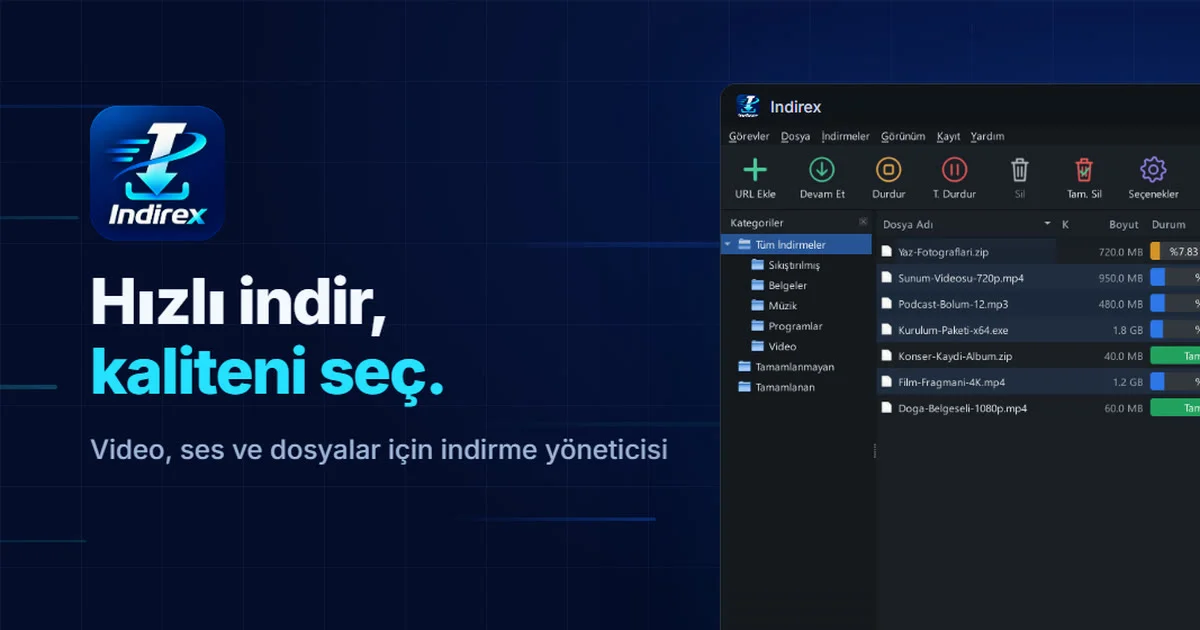
What Is Indirex? A Fast, Organised Download Manager for Windows
Indirex is a Windows program for downloading files, videos, audio and images from one window. Its features and who it is for.
Viruses, Trojans and Ransomware: How to Protect Yourself From Malware
Types of malware, how they get onto computers, warning signs and the basic precautions that protect you on Windows.
What Is a VPN and What Does It Do? When Do You Need One?
How a VPN works, the protection it offers on public Wi-Fi, what it cannot do and what to look for when choosing a VPN service.
How to Create a Strong Password, and Should You Use a Password Manager?
What makes a password strong, memorable passphrases, the danger of reusing passwords and how password managers work.
What Is Phishing? How to Spot Fake Emails and Messages
How to recognise fake emails, texts and messages using delivery, bank or prize excuses, and what to do if you clicked.
What Is Two-Step Verification and How Does It Protect Your Accounts?
How two-step verification works, the differences between SMS codes, authenticator apps and passkeys, and why backup codes matter.
What Do HTTPS and the Padlock Mean? What Is an SSL Certificate?
What the padlock in the address bar guarantees and what it does not, HTTPS, SSL/TLS certificates and why every website needs them.
What Is a Digital Footprint? How to Protect Your Personal Information Online
The traces you leave online, what not to share on social media, app permissions and practical steps to protect your personal data.
What Are Cookies? Which Option Should You Pick in Cookie Banners?
What website cookies are, the difference between essential, analytics and advertising cookies, third-party cookies and how to manage them.
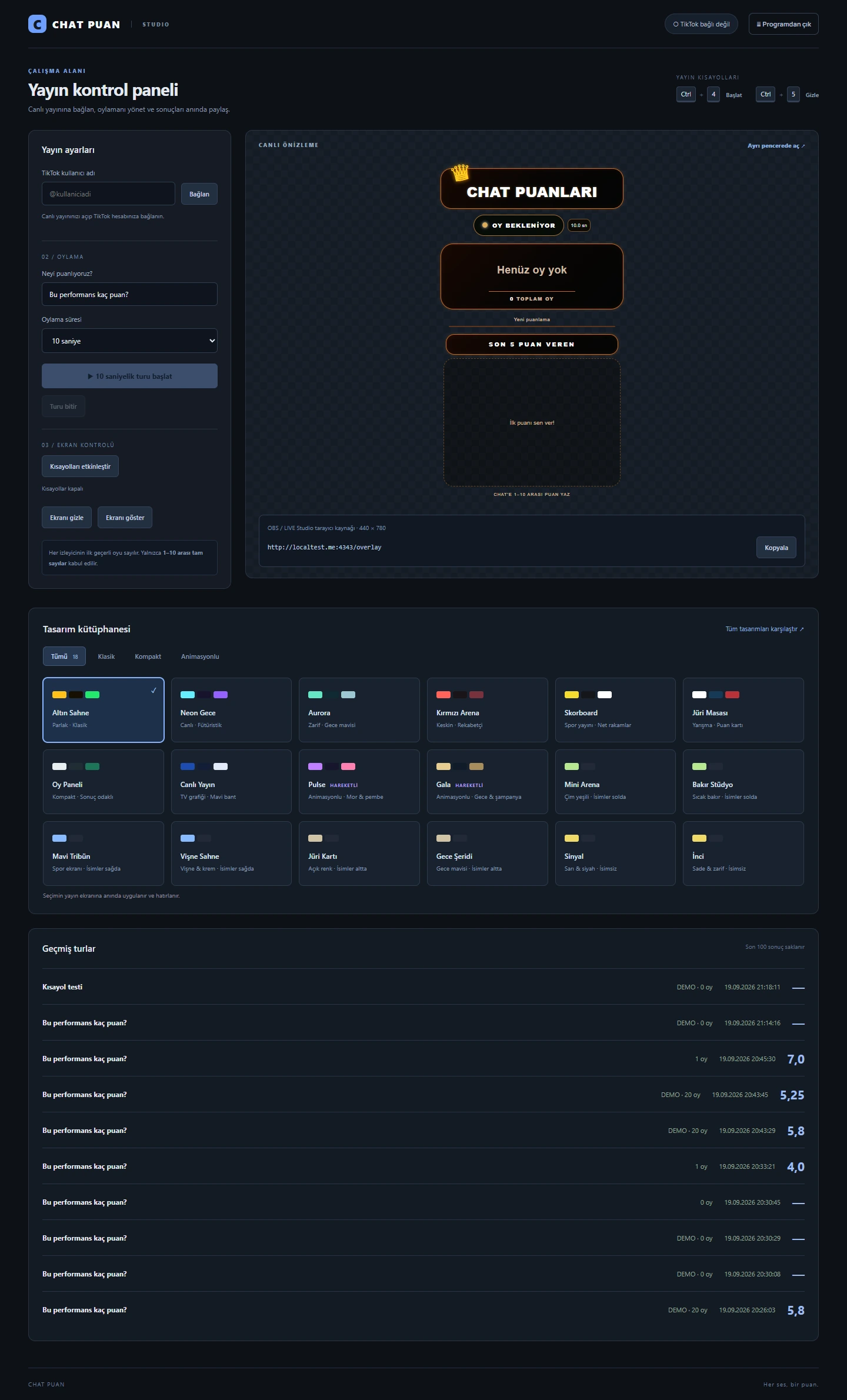
Chat Puan Setup: Adding the Scoring Screen to OBS and TikTok LIVE Studio
How to connect Chat Puan to your TikTok stream, add the scoring screen to OBS or TikTok LIVE Studio, and start your first vote.
A Short History of AI: From Turing to Chat Assistants
AI from the 1950s to today: the Turing test, the first wave of excitement, the AI winters, the rise of machine learning and deep learning.
Speech Recognition and Text-to-Speech: How Talking Technology Works
How speech recognition turns speech into text and text-to-speech turns text into voice, where they are used, and the risks.
Asking AI Better Questions: The Basics of Writing Prompts
How to get better answers from chat assistants by giving context, defining a role, asking for a format and working step by step.
AI for Students: Using It Well and Knowing the Limits
How students can use AI to learn rather than copy homework, useful methods and mistakes to avoid.
What Is Artificial Intelligence? A Plain-Language Introduction
What AI is, how it learns, where you meet it in daily life and what it cannot do. A simple introductory guide.
How Is AI Changing Jobs? Which Skills Matter for the Future?
AI’s effect on work: which tasks are being automated, which skills are becoming more valuable and how to prepare.
How Does Machine Learning Work? Explained With Examples
The idea behind machine learning, training data, supervised and unsupervised learning, and how models are tested, with simple examples.
Coding With AI: Benefits, Risks and Good Habits
How coding assistants help programmers, what problems they can cause, and what to check before using generated code.
How Can Small Businesses Use AI? 8 Practical Examples
Practical ways small businesses such as cafés, salons, clinics and shops can save time with AI tools, and what to watch out for.
Why Does AI Sometimes Give Wrong Information? What Are Hallucinations?
Why chat assistants sometimes invent facts, sources and numbers, and practical ways to protect yourself from these errors.
How Does AI Image Generation Work?
How text-to-image AI tools work, tips for better results, their limits, and what to know about copyright and ethics.
Privacy When Using AI Tools: What Should You Not Share?
Where does what you type into chat assistants go? Information you should not share, privacy settings and safe use at work.
What Are Large Language Models (LLMs)? How Chat Assistants Produce Text
How the large language models behind chat assistants are trained, how they predict words and why they are not always right.
Deep Learning and Neural Networks: The Basic Concepts
What artificial neural networks are, what “deep” means, how networks are trained and why they need such powerful computers.
What Is a Deepfake? How to Spot Fake Videos and Voices
What deepfake technology is, how it is misused, and practical steps for spotting fake videos, photos and voices.

Beauty Salon Website: Services, Prices and Online Booking
How to present your service list, whether to show prices, and which online booking method to choose for a beauty salon website.
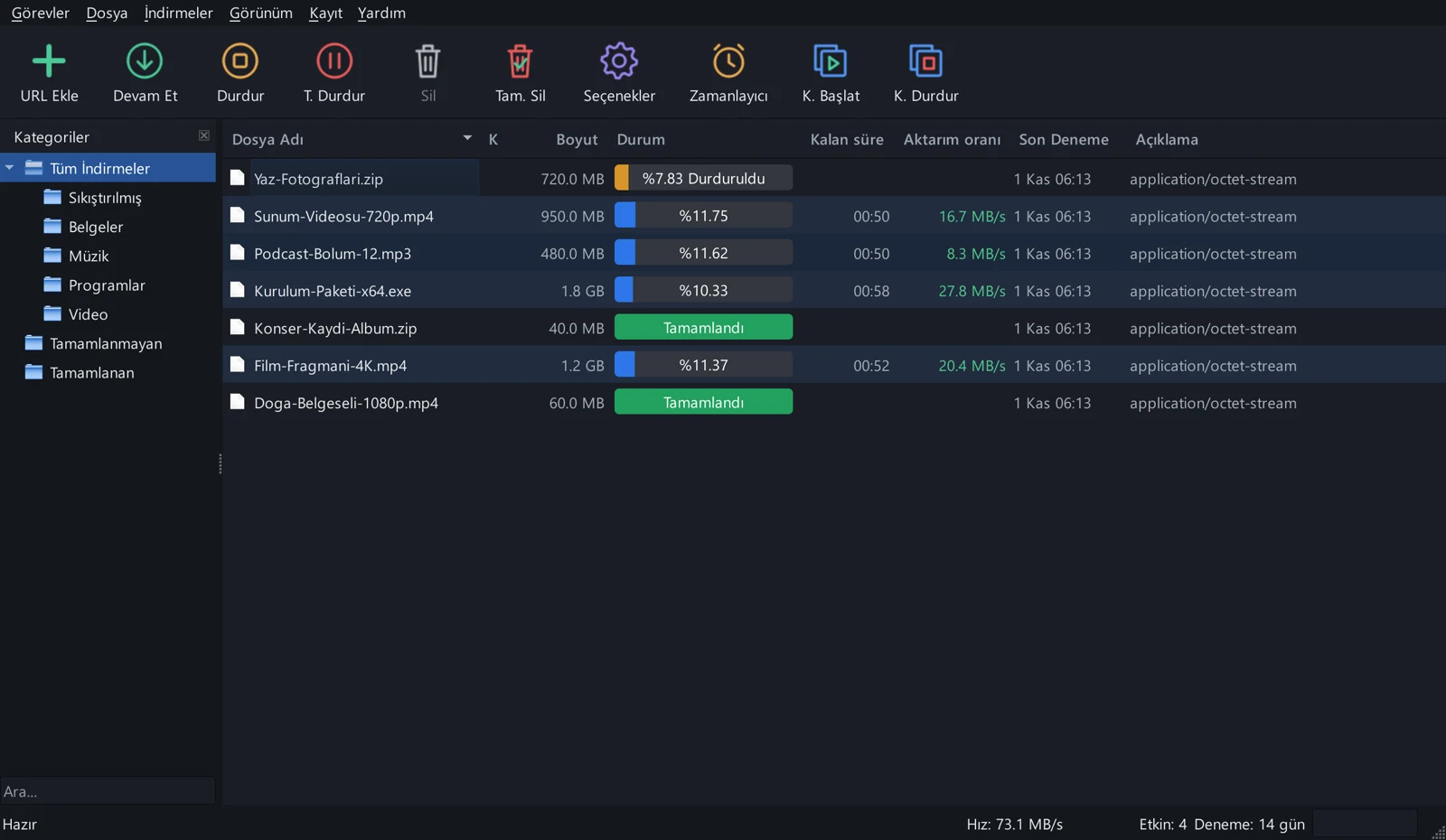
Installing Indirex and Enabling the Chrome Extension
Downloading the Indirex installer, checking its SHA-256, handling the Windows SmartScreen warning and enabling the Chrome extension.

What to Consider When Building a Dental Clinic Website
Treatment pages, dentist profiles, appointments and healthcare promotion rules: what you need to know when preparing a dental clinic website.
What Is a Download Manager? How Segmented Downloads Work
How a download manager differs from your browser, how segmented downloads work, and what resuming, scheduling and speed limits do.
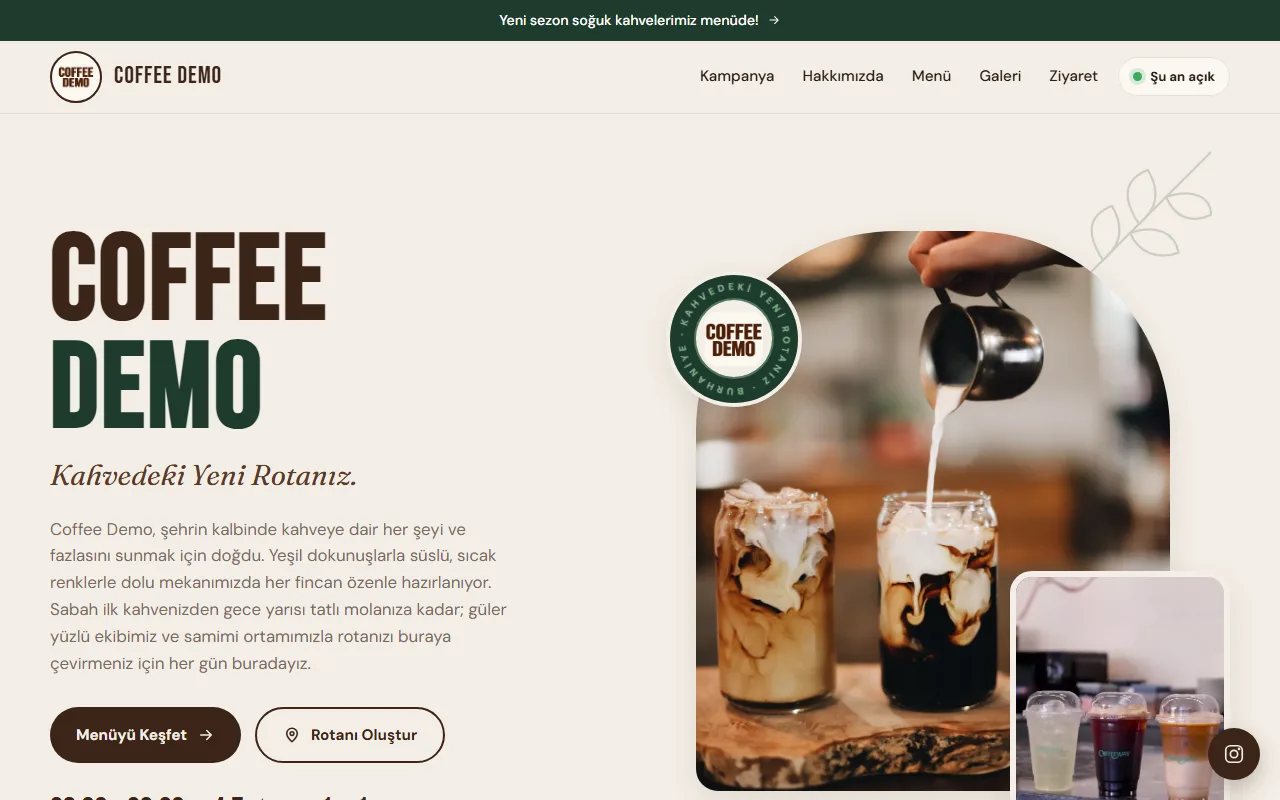
Ready-made Website or Custom Design? Choosing What Fits Your Business
The differences between a ready-made site and a custom design: time, budget, flexibility, and which suits which kind of business.
Choosing Video Quality: 720p, 1080p, 4K or Audio Only
What resolutions mean, what affects file size, which quality to choose when, and when audio only is enough.

What Are a Domain and Hosting? The Basics for Your First Website
What a domain and hosting are, how to choose them and the most common mistakes, explained simply for businesses setting up their first site.
Image Formats Explained: JPG, PNG, WebP and AVIF
The differences between JPG, PNG, WebP, AVIF, GIF, BMP, TIFF and ICO, when to use each, and background removal.
I Have Instagram. Do I Still Need a Website?
How Instagram and a website differ: appearing in search, owning your content, making information easy to find, and using both together.
How to Resume an Interrupted Download: Scheduling and Speed Limits
Why downloads stop, how resuming works, and what a scheduler and speed limit are for.
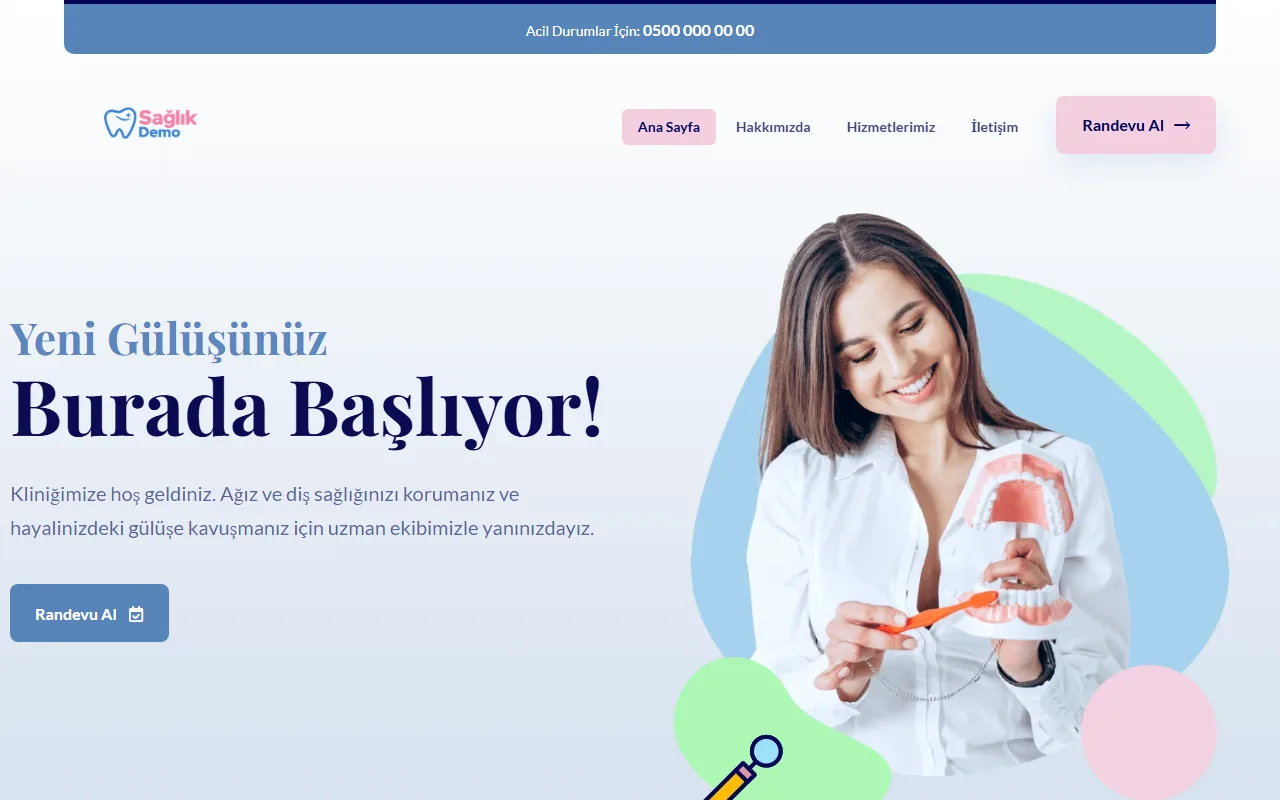
Google Business Profile and Your Website: How to Get Found on Maps
How to set up a Google Business Profile, why your details must match everywhere, and what a website adds to your profile.
Indirex Licence: 14-Day Trial, Yearly Licence and Changing Computers
How the Indirex trial works, how to buy and activate a licence, and how to move it to a new computer.
10 Questions to Ask Before Getting a Website Built
What does the price include, how long will it take, whose name is the domain in? Ten questions to ask when getting a website quote.
Does Your Website Load Fast on Phones? A Simple Check
Check how your site performs on phones without technical knowledge: testing on your own phone, PageSpeed Insights and the common causes of slow pages.

Troll Platform Devlog #1: From First Prototype to Today
The development story of Troll Platform, our Godot game that grew to 100 levels, 30 themes and the Goggled Explorer character.
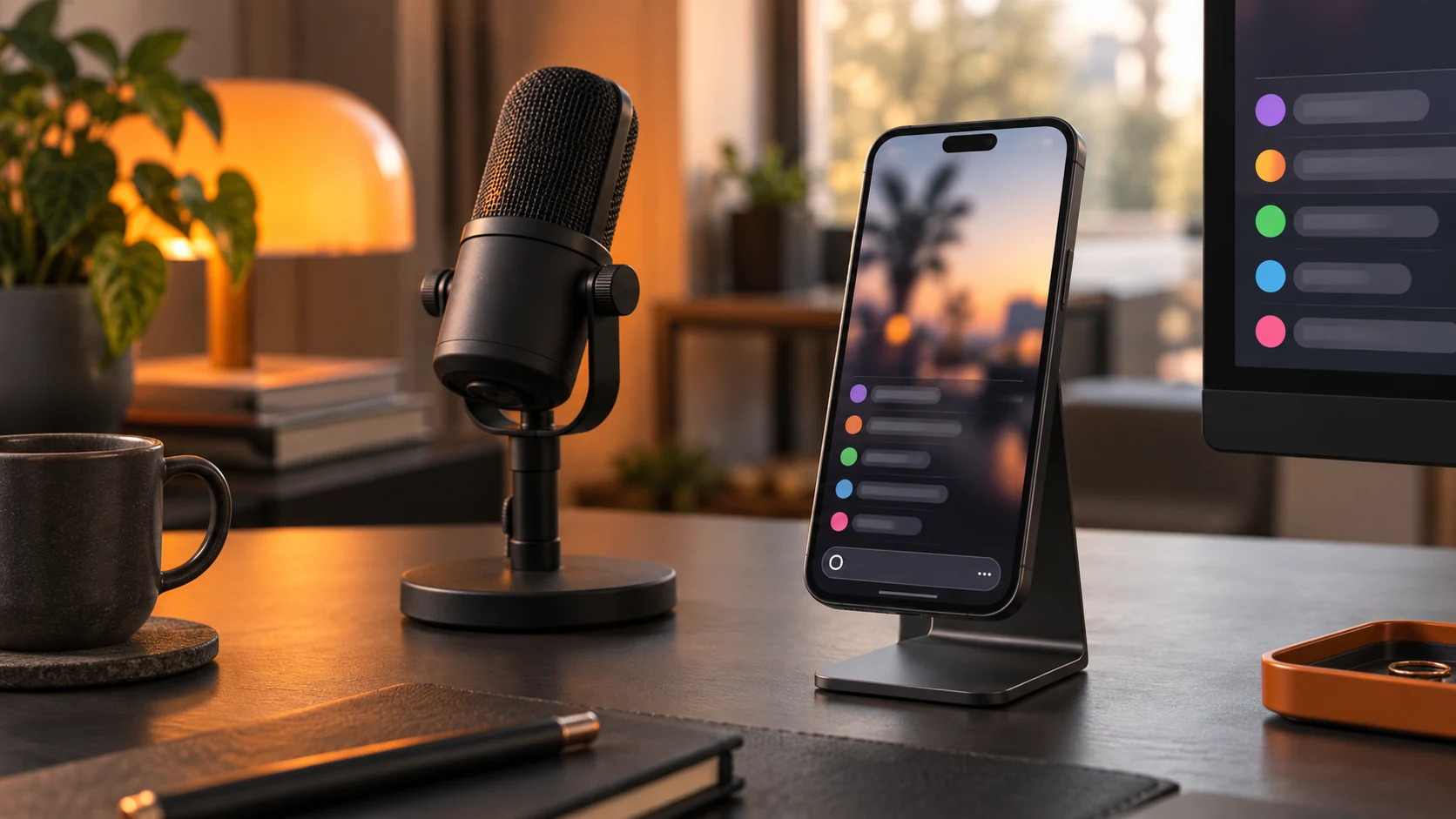
TikTok LIVE Studio Setup: Your First Live Stream From a PC
What TikTok LIVE Studio is, how to install it and how to start your first live stream from a computer: adding sources, scene layout, audio settings and a pre-stream checklist.

TikTok LIVE Requirements: Followers, Age and Gift Rules Explained
How many followers do you need to go live on TikTok, what is the age limit and what do you need to receive gifts? The requirements, why the LIVE button may be missing and what to do.
How to Merge PDF Files for Free (No Software, 3 Steps)
A step-by-step guide to combining multiple PDF files into one without installing software or creating an account, plus tips on page order, quality and privacy.
How to Reduce PDF File Size Without Losing Too Much Quality
How to compress large PDF files to fit email, online form and upload limits: what makes PDFs big, which compression level to choose and what to watch out for.
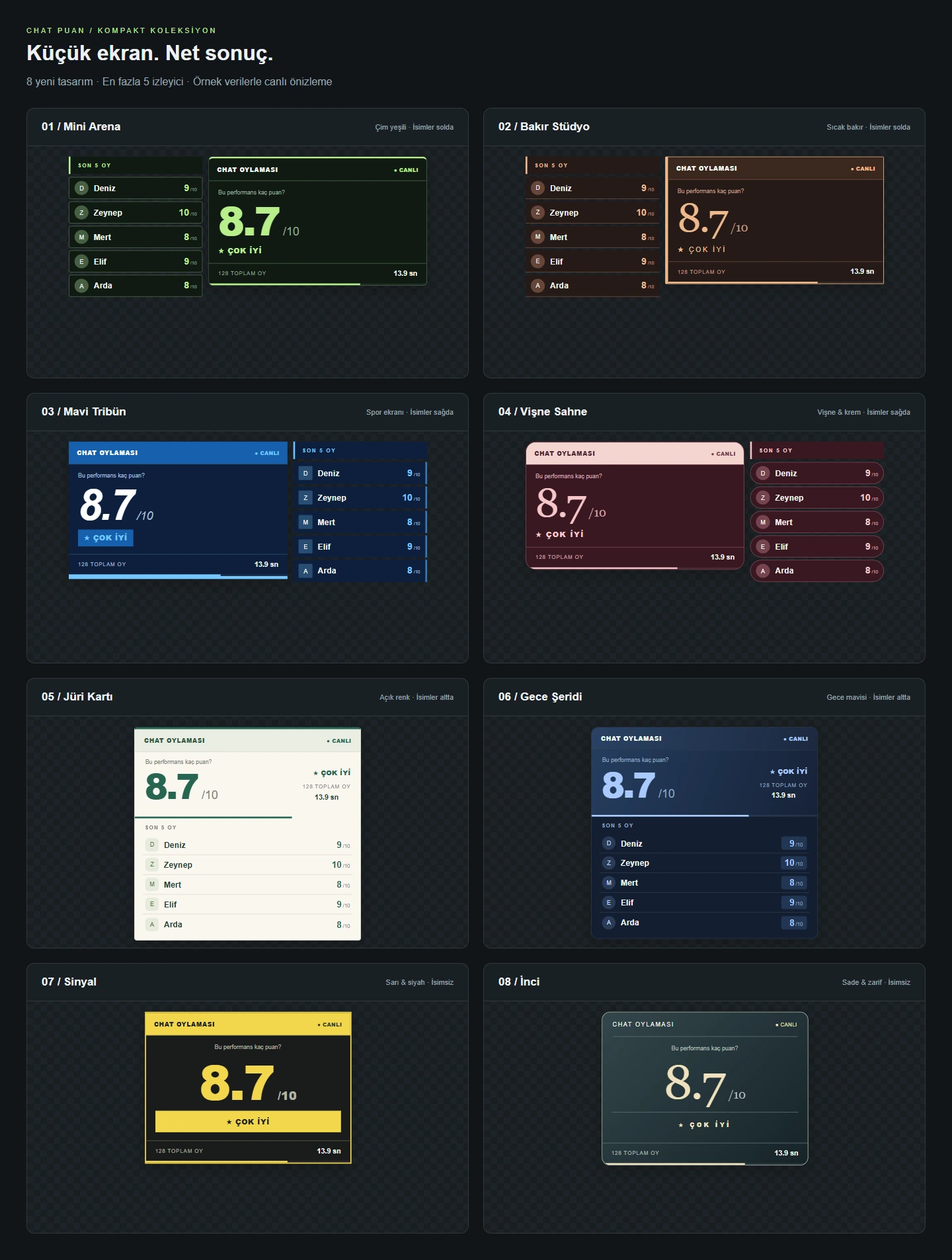
How to Add Overlays and Link Sources in TikTok LIVE Studio
How to add overlays, score screens and alerts to TikTok LIVE Studio as link (browser) sources: transparent backgrounds, sizing and fixes for common problems.
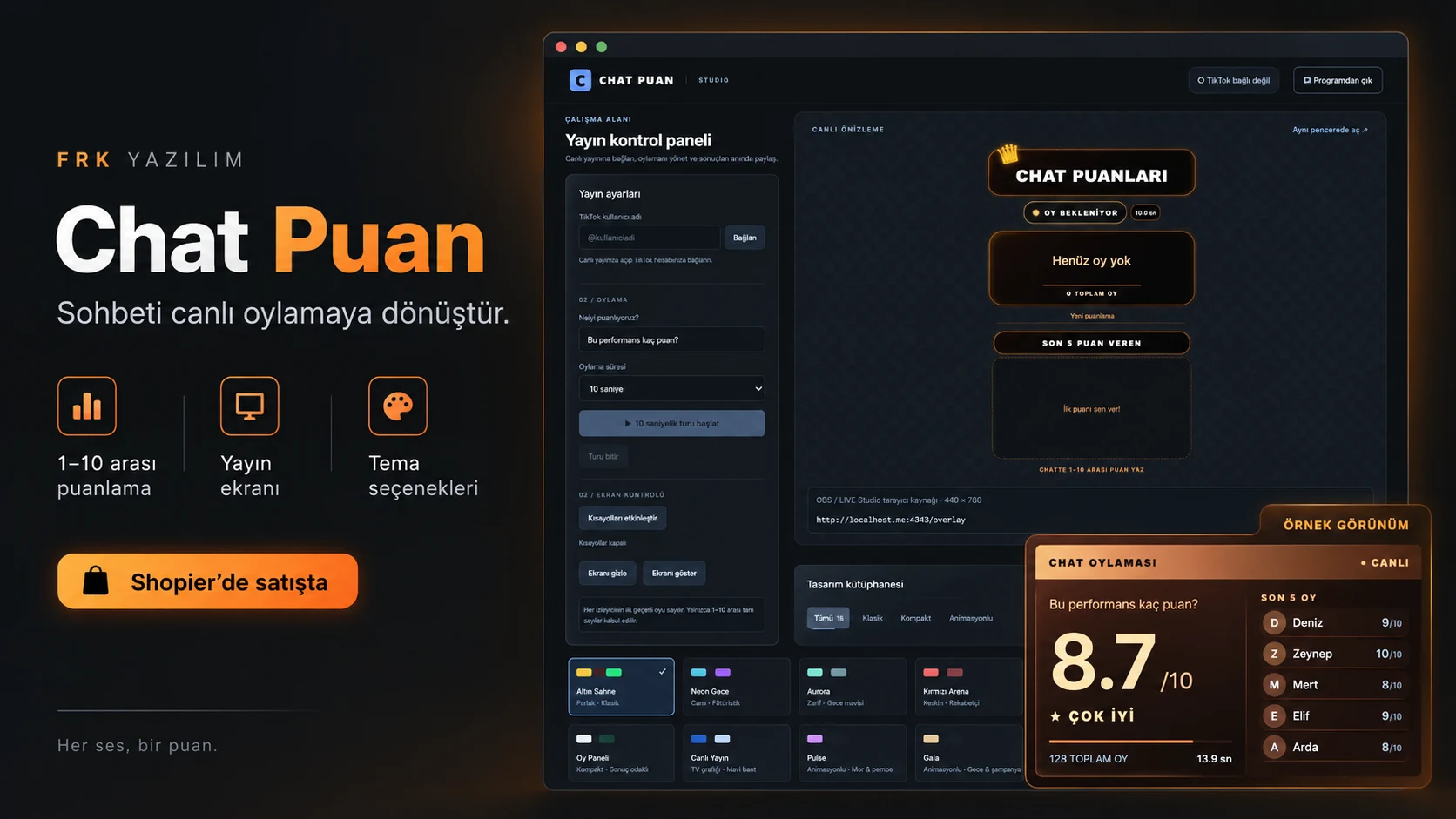
12 Ways to Boost Viewer Engagement on TikTok LIVE
Twelve practical ways to get viewers talking in your TikTok live streams, keep them watching longer and make them come back.
How to Convert Photos to PDF on Your Phone (Android & iPhone)
Turn document photos taken with your phone into a single PDF without installing an app. Steps for Android and iPhone, plus tips for taking sharp document photos.
How to Extract Specific Pages From a PDF (Split PDF Guide)
Pull only the pages you need out of a long PDF or save every page as a separate file. How to write page ranges, what the ZIP output contains and common mistakes.

How Flappy Wings Was Made: A Mobile Game in One Month With Flutter
How we built Flappy Wings with Flutter in a month: more than 50 birds and backgrounds, the hardest part (bird themes) and the road to Google Play.
Viewer Voting on Live Streams: Outfit, Talent and Rating Streams
How to run TikTok live streams where viewers rate things from 1 to 10 in chat: stream ideas, rules and tips for keeping votes fair.
How TikTok LIVE Gifts and Diamonds Work
How TikTok LIVE gifts, coins and diamonds work, who can receive gifts and how diamonds are cashed out, explained clearly.
How to Fix Sideways or Upside-Down PDF Pages Permanently
How to permanently rotate sideways or upside-down pages in scanned or phone-made PDFs, including rotating only specific pages.
How to Delete Pages From a PDF and Reorder Them
Remove blank, unnecessary or wrong pages from a PDF and change the page order with a free, preview-based page editor that needs no software.
Flappy Wings High Score Tips: 10 Ways to Fly Further
Timing, rhythm and focus tips for higher scores in Flappy Wings, plus advice on collecting coins and unlocking new birds and backgrounds.
TikTok LIVE Ideas: 15 Stream Formats That Get Chat Going
Not sure what to stream? From Q&As to rating contests, study-with-me streams to game nights: 15 TikTok LIVE ideas.
Live Streaming Equipment for Beginners: Light, Sound and Camera
What equipment do you need to start streaming on TikTok LIVE? Light, microphone, phone mount and internet recommendations by budget, and what to buy first.
How to Copy Text From a PDF (and What to Do When You Can’t)
Extract the text inside a PDF to copy it or save it as .txt. Why copied text comes out messy, why scanned documents behave differently, and what OCR is.
How to Convert PDF to JPG or PNG (and Which Format to Choose)
Turn PDF pages into JPG or PNG images. How to choose format and resolution, the right settings for social media and presentations, and bulk downloading.
How to Publish a Game on Google Play (2026): From Account to Launch
Creating a Google Play developer account, the registration fee, identity verification, store listing, content rating, target API level and the release process, step by step.
Best Time to Go Live on TikTok and How to Build a Stream Schedule
How to find the best time for your TikTok live streams using your own analytics, plus tips on a regular schedule, stream length and announcements.
TikTok LIVE Rules: How to Avoid Restrictions and Bans
Commonly broken TikTok LIVE rules, stream restrictions, warnings and bans, how to appeal, and practical tips to protect your account.
How to Add a Watermark to a PDF and Protect Your Documents
Add watermarks such as CONFIDENTIAL, DRAFT or a usage note on ID copies to your PDF documents, with recommendations for opacity, size and angle.
Are Online PDF Tools Safe? Where Do Your Files Actually Go?
What happens to your files when you use free online PDF tools, the difference between tools that upload to a server and tools that work in your browser, and safety tips.
Google Play’s 12 Testers, 14 Days Rule: A Closed Testing Guide
The mandatory closed test for new personal Google Play developer accounts: the 12-tester and 14-day requirement, finding testers and common mistakes.
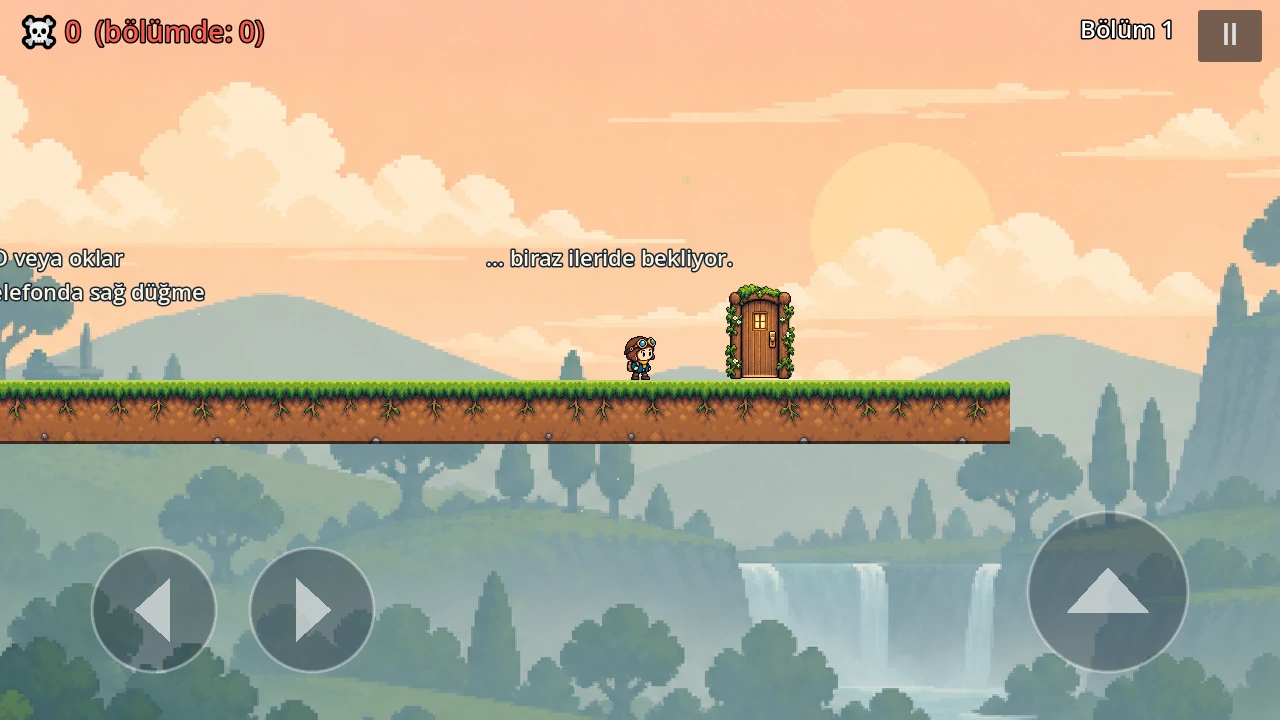
Solo Indie Mobile Game Development: 10 Lessons We Learned
What we learned as an independent, one-person studio building Flappy Wings and Troll Platform: scope, engine choice, testing, art and motivation.
How to Scan Documents Without a Scanner and Get a Clean PDF
No scanner? Use your phone camera to make readable document scans. Tips on light, angle and background, converting photos to PDF and keeping the file small.
Preparing PDFs for Online Applications: Size Limits and Format Errors
How to prepare PDFs for university, job, scholarship and government portals without hitting upload limits: merging documents, reducing size and naming files properly.
What Is a PDF? PDF vs Word, and What PDF/A Is For
A clear guide to what the PDF format is, why it is used everywhere, how it differs from a Word document and what the archival PDF/A format is for.
How to Email a Large PDF Without Hitting Attachment Limits
Ways to send large PDF files through Gmail, Outlook and other email services without hitting attachment limits: compressing, splitting and sharing a cloud link.
PDF Won’t Open? 7 Common Causes and How to Fix Them
If a PDF won’t open, shows a blank page or throws an error: fixes for broken downloads, password-protected files, outdated readers, phone issues and other common causes.
No articles in this category yet.