Beauty Salon Website: Services, Prices and Online Booking
Instead of answering the same questions every day, give clear answers on your website.
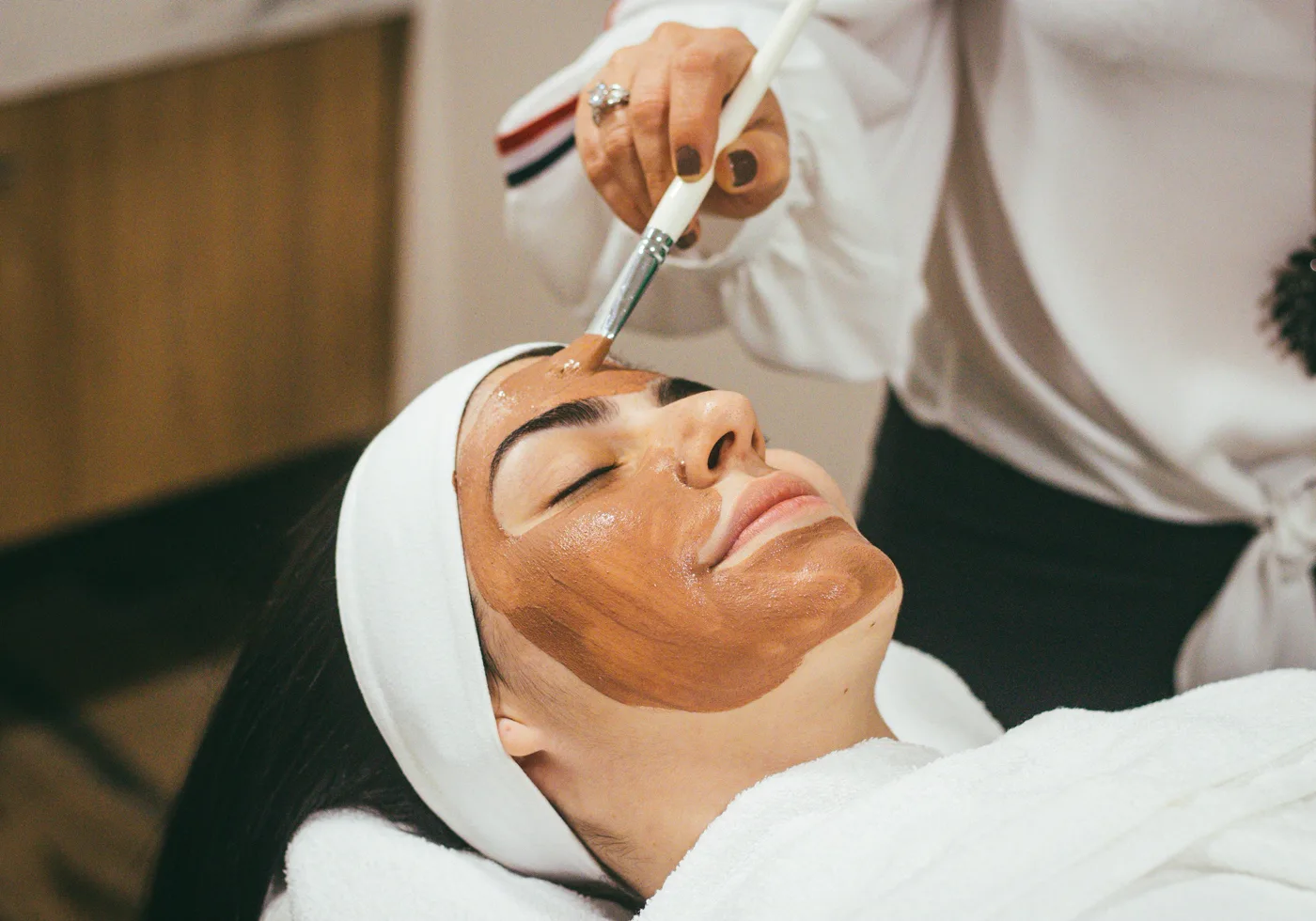
Most questions a beauty salon receives are much the same: “How much is a facial?”, “How many laser sessions will I need?”, “Do you have anything free on Saturday?” Instead of answering them one by one every day, giving clear answers on your website saves you time and makes it easier for customers to decide.
Below are the sections a beauty salon website should have, and the points to watch out for.
Service list: short and clear
Give each service its own card or heading and include three things:
- What it is: a plain two or three sentence description of the treatment.
- How long it takes: session length and, if relevant, the recommended number of sessions.
- Who it suits: skin type, age or anything to keep in mind before the treatment.
Avoid medical claims. Phrases such as “permanent results guaranteed” can be misleading and may cause problems with customers later.
Should you show prices?
Businesses are split on this. Showing prices cuts down on “can I get a price?” messages and filters out people whose budget does not fit. Not showing them may bring more people to contact you. There is also a middle way: “from” prices, such as “Classic facial, 60 min, from …”.
Online booking
There are two common ways to take bookings:
- Booking over WhatsApp: the simplest option. The customer taps a button and writes “Do you have a slot for a facial on Saturday afternoon?” It is easy to set up, but you keep track of the bookings yourself.
- A booking form with a calendar: customers see free slots and choose one. It saves time for busy salons, but the calendar has to be kept up to date.
Whichever you choose, ask only for the information you really need. Name, phone number and the requested service are usually enough. Because you are collecting personal data, your site should also include a privacy notice that meets local data protection rules.
Photos and before/after images
Clean, bright and tidy photos of your salon build trust. If you use before/after photos, get written permission from your customer and make sure the photos are not edited. Two natural photos taken in the same light and from the same angle are more convincing than filtered images.
Team and certificates
Customers want to know who will be working on their skin. Share your specialists’ names, experience and any training they have completed in a short section. Mentioning the product brands you use is another detail that builds trust.
Location, hours and social media
Your address, map, opening hours and Instagram link should always be visible at the bottom of the site. In the beauty industry, Instagram works like a shop window; linking from your site to Instagram and from your Instagram profile back to your site strengthens both.
Frequently asked questions
Do I need separate software for bookings?
No. For most salons, booking over WhatsApp is enough to start with. As bookings grow, you can move to a calendar-based system.
Can I add offers myself?
On a site with an admin panel, you can change the text, image and dates of an offer yourself.
Can I show customer reviews on my site?
Yes, as long as they come from real customers. Linking to the reviews on your Google Business Profile is the most trustworthy approach.