How to Resume an Interrupted Download: Scheduling and Speed Limits
With the right tool, interrupted downloads do not have to start over.
Few things are as annoying as a download that has been running for hours stopping at ninety percent. The good news: with the right tool, interrupted downloads do not have to start over. This article explains why downloads stop, how they are resumed, and how scheduling and speed limits help.
Why do downloads stop?
- A dropped connection: Wi-Fi cutting out for a moment or the router restarting.
- The computer going to sleep: common with long downloads.
- Server-side issues: the server closing the connection or the download link expiring.
- Running out of disk space: the most overlooked cause with large files.
How is resuming possible?
If the server supports HTTP range requests, the download program can ask it to “send the file from this byte onwards”. The part already downloaded is kept and the download continues from where it stopped. If the server does not support this, the download unfortunately has to start over.
Pausing and resuming in Indirex
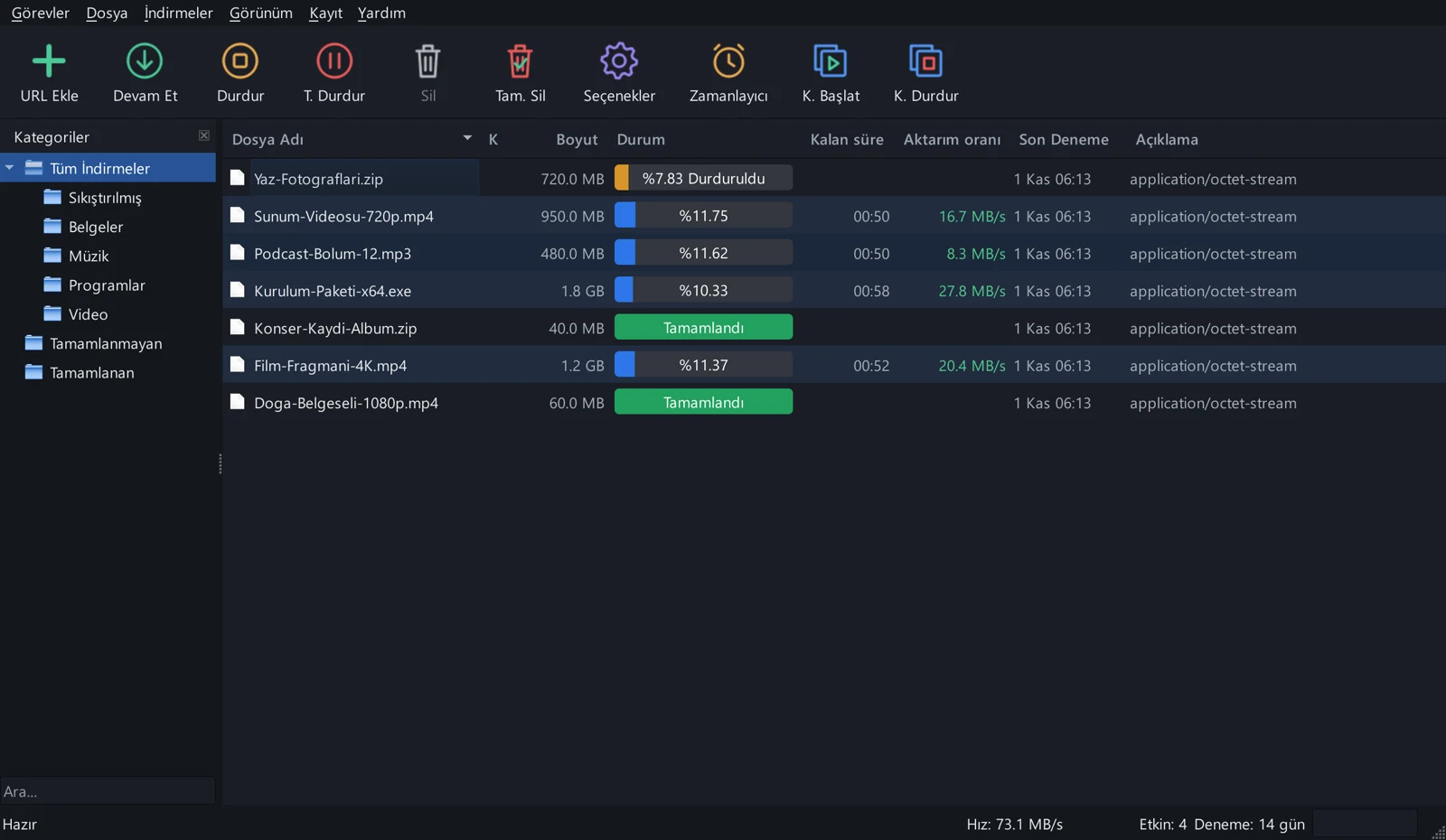
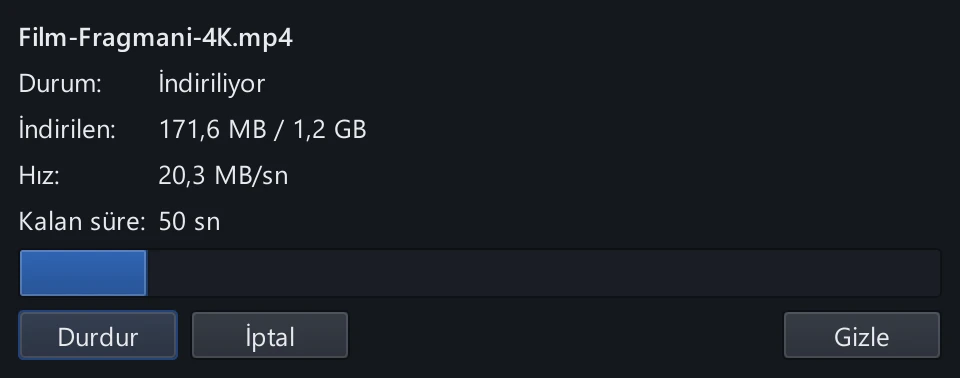
In Indirex, every download stays in the list. You can pause a download with Durdur (Pause) and continue it from where it stopped with Devam Et (Resume). When the connection drops, the downloaded part is not deleted. Toolbar buttons let you pause or start all downloads at once.
Downloading with a scheduler
Starting large downloads during the day can slow the internet for others at home. With a scheduler, you can set downloads for a time when the connection is free, such as at night. Remember that the computer has to be on and not asleep at that time.
What is a speed limit for?
A download manager can use your whole connection. That can freeze video calls or cause lag in games running at the same time. With a speed limit, you give downloads only part of your connection; the download takes a little longer, but nothing else suffers.
Checklist
- Check there is enough free disk space before downloading.
- For long downloads, extend the time before your computer goes to sleep.
- Use a wired connection if you can.
- If the connection drops, do not delete the download; try resuming it.
Frequently asked questions
Does every download resume where it stopped?
No. The server has to support range requests. On servers that do not, the download starts over.
Does closing the program stop the download?
When you close the window, Indirex keeps running in the system tray, so the download continues. If you exit the program completely, the download stops; you can resume it when you open it again.
Can a speed limit damage the download?
No. It only controls how fast the download progresses; it has no effect on the file itself.