Indirex Licence: 14-Day Trial, Yearly Licence and Changing Computers
Try before you buy. What you need to know about the trial, the licence and transferring it.
We want you to try Indirex before you buy it. This article explains how the trial works, how to buy and activate a licence, and what to do when you change computers.
The 14-day trial
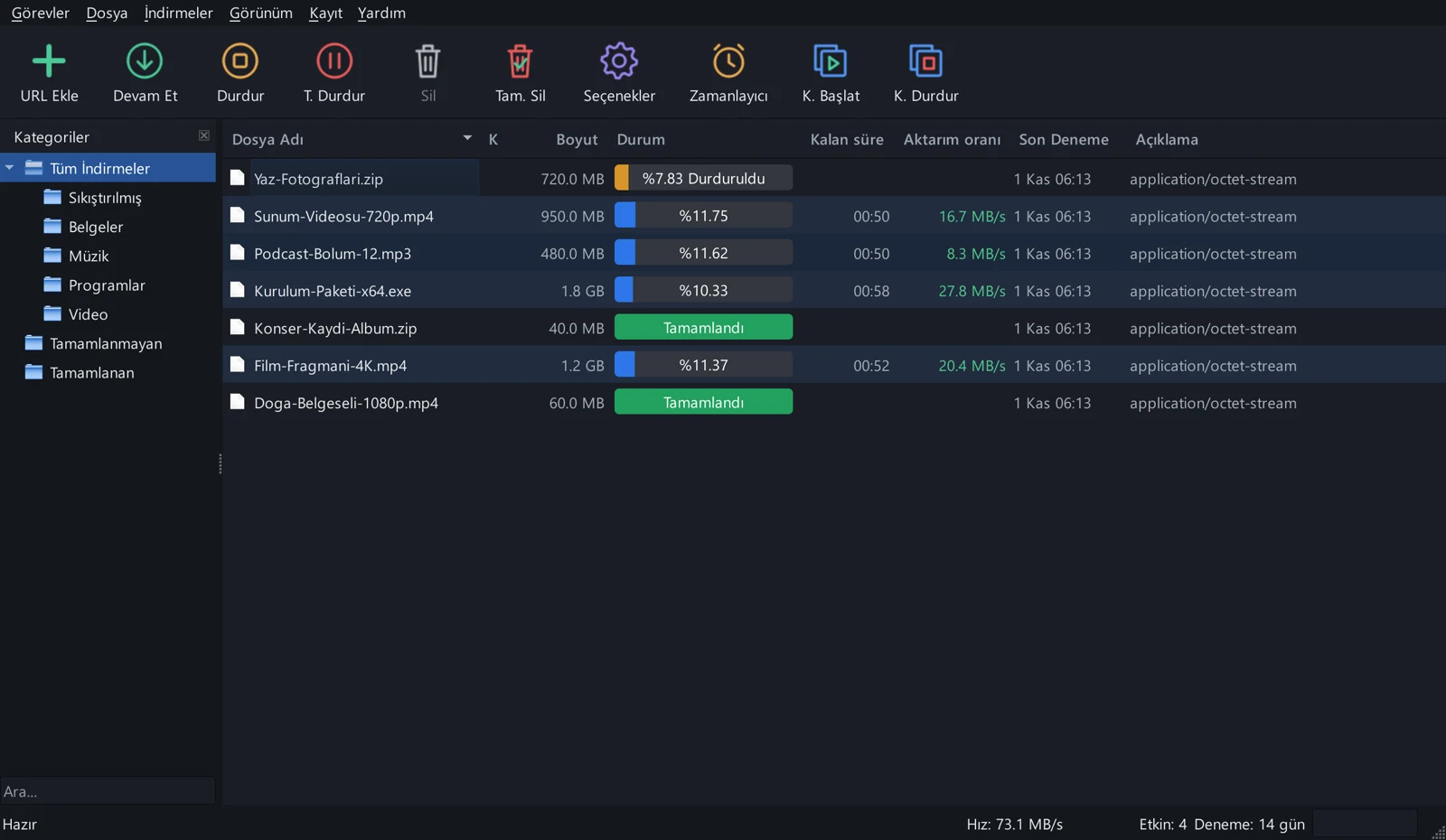
When you install Indirex, a 14-day trial starts. Every feature is available during the trial: segmented downloads, video quality choice, image formats and background removal, the scheduler and speed limits.
- No credit card or account is needed for the trial.
- An internet connection is needed to start the trial.
- You can see the remaining trial time in the status bar at the bottom of the program.
Yearly licence
When the trial ends, you can continue with a yearly licence. A licence is for one computer and is valid for one year. You can find the current price on indirex.shop.
| 14-day trial | Yearly licence | |
|---|---|---|
| All features | Yes | Yes |
| Duration | 14 days | 1 year |
| Computers | 1 | 1, transferable to another computer |
| Updates | Yes | Yes |
Buying and activating
- The buy button on indirex.shop takes you to the Shopier payment page.
- After payment, your licence key is sent to your email address.
- In Indirex, open the Kayıt (Registration) menu and paste the key.
- Activation needs an internet connection. The licence expiry date appears in the same window.
If you change computers
To move your licence to another computer, first use Bu Bilgisayardan Kaldır (Remove from this computer) in the Registration window on the old computer. Then install Indirex on the new computer and activate it with the same key. A licence can only be active on one computer at a time.
Using it offline
The program checks the licence over the internet at regular intervals. Short outages do not stop it from working, but a computer that stays offline for a long time needs a connection for the licence to renew.
Frequently asked questions
What happens when the licence expires?
You cannot start new downloads until you renew. Files you have already downloaded stay on your computer.
Will I lose my licence if I reinstall Windows?
No. If possible, remove the licence from the computer in the old installation first, then activate it with the same key in the new one. Contact us if you run into problems.
Can I buy licences for several computers?
Each licence is for one computer. You need a separate licence for each computer.