Live scoring
Viewers type a score from 1 to 10 in chat. Valid votes during the voting window are collected together.
Don’t let your viewers just watch.
Turn the scores typed in chat into a live vote and share the result on your stream screen.
Current price, package contents and purchase details are on the Shopier product page. The software interface and the Shopier store are in Turkish.

Viewers type a score from 1 to 10 in chat. Valid votes during the voting window are collected together.
Add the scoring screen to OBS or TikTok LIVE Studio as a browser source and share the result with your viewers.
Choose from different scoring screens to match the look of your stream.
Start your live stream, type your TikTok username in the dashboard and connect.
Write what you’re rating, prepare the stream screen and start a voting round.
Show the result built from your viewers’ scores on your stream screen.
Manage the vote from the dashboard and choose how the stream screen looks. The images below show a sample view.
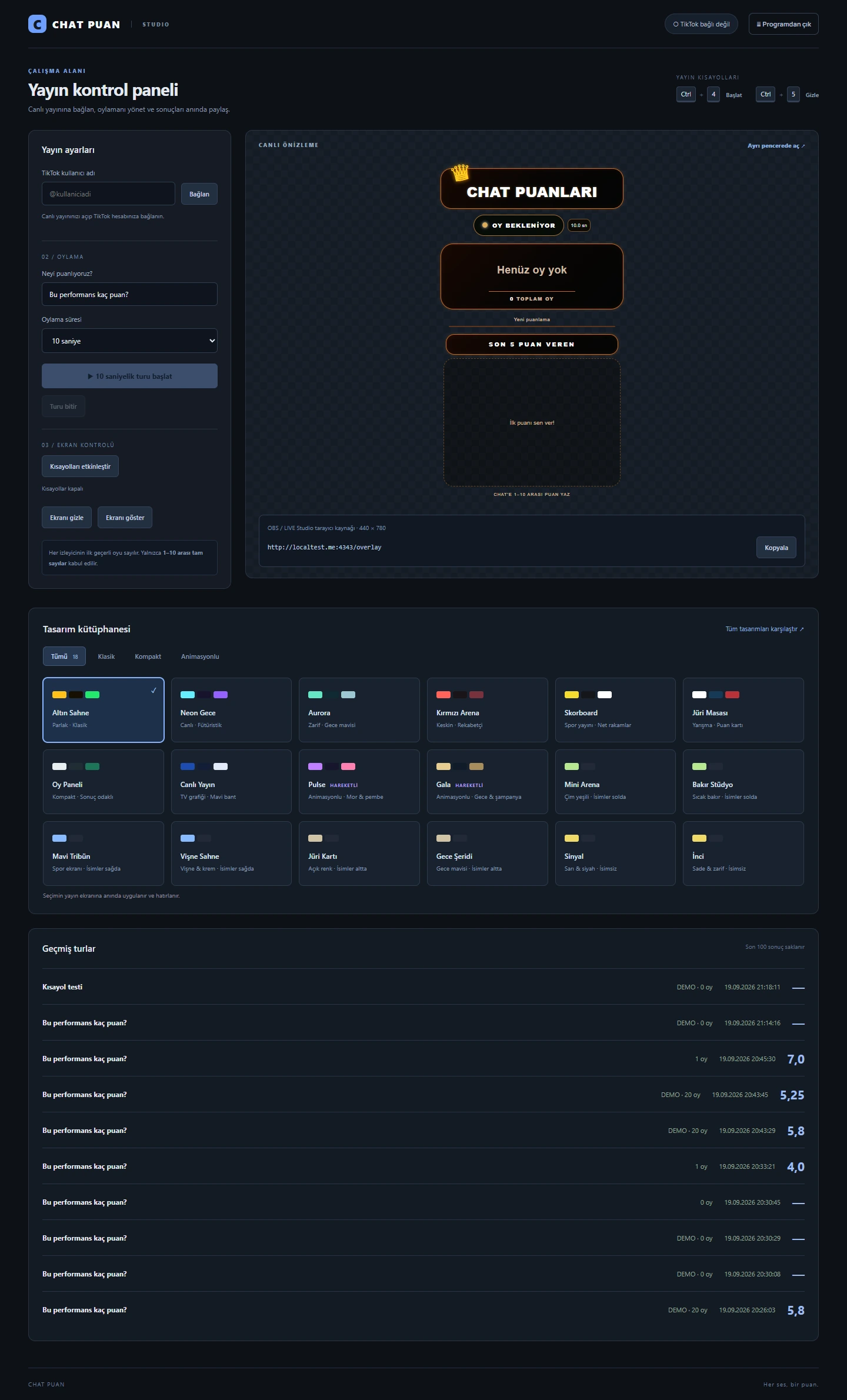
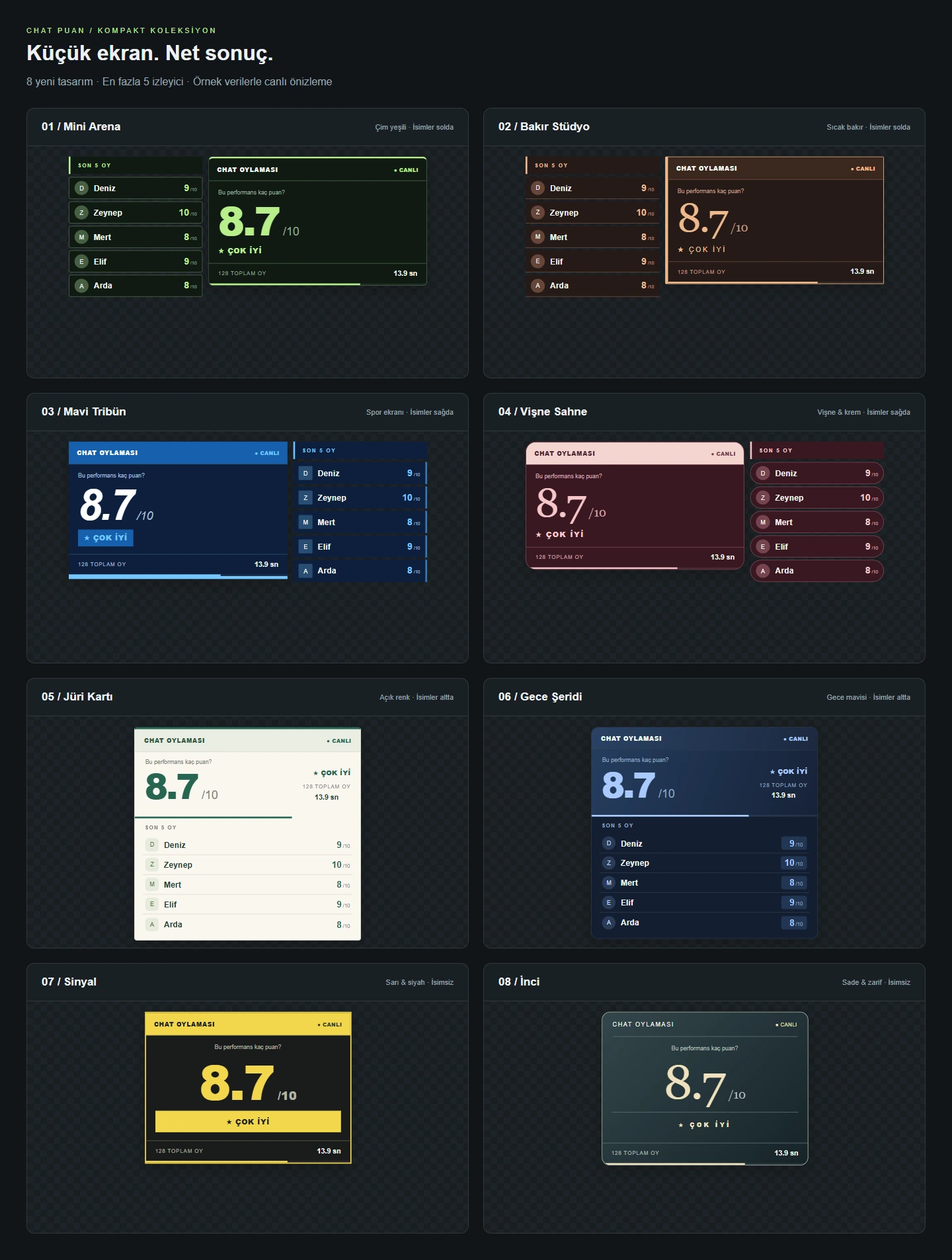
The “Buy on Shopier” link takes you straight to the Chat Puan product page, where you can see the current price, package contents and delivery details.
Add the stream screen address the program gives you to OBS or TikTok LIVE Studio as a browser source. The program must stay open while you use it.
Whole numbers from 1 to 10 typed in chat during the voting window are counted. Each viewer’s first valid vote counts.
Contact us by email or Instagram You can also check the Shopier product page for purchase details.
Ideas for rating streams: Viewer voting on live streams · Adding overlays in TikTok LIVE Studio